-
Creado por
 Hector Castillo Andreu, actualizado por última vez el ago 20, 2026
4 min de lectura
Hector Castillo Andreu, actualizado por última vez el ago 20, 2026
4 min de lectura
Falta ver credenciales del usuario cuáles van a ser para los alumnos chinos que están matriculados allí (que no tienen NIE o DNI)
Falta ver qué hacer con el doble factor de autenticación (han de gastar Microsoft Authenticator) y traducir esa página Configurar la autenticación Multi-Factor (MFA o 2FA) en VPN, Microsoft 365, teams......
URL correcta Polilabs → crear bvpi-labs.upv.es (quitar polichina.cc.upv.es) y también página web bvpi.upv.es que muestre ayuda + links directos o puede que esta ayuda
Traducciones en polilabs:
- Quitar campus bvpi de polisecre?
- En portal web poliabs.upv.es cambiar imagen para poner en inglés / castellano lo de "Doble factor de autenticación..."
- Manual de usuario traducir al inglés?
Qué fecha comienzan las clases
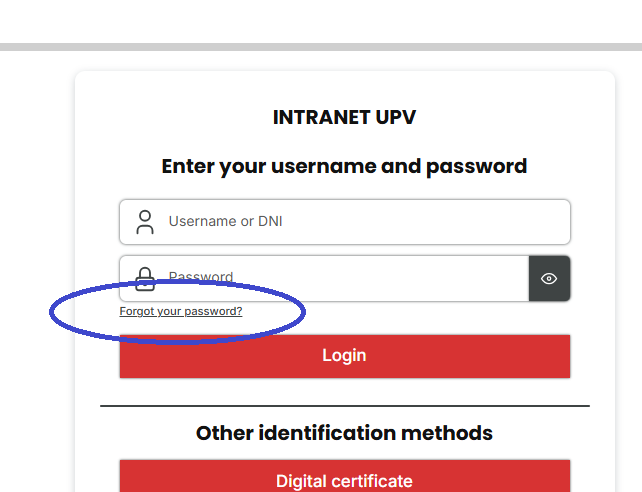
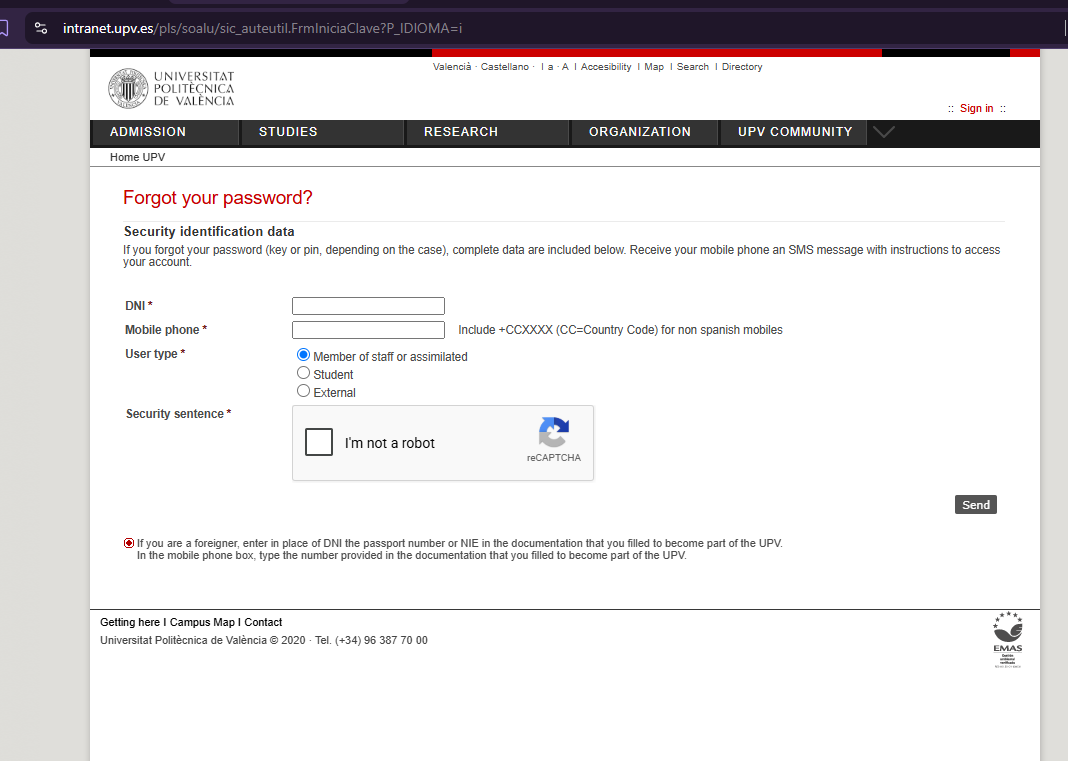
- As a student of the UPV you have an username and a password. If you don't remember your credentials, go to https://intranet.upv.es and use the link "forgot your password":
- You can use different websites depending of the instructions of your teacher:
Optional usage
These tools are necessary only if your teacher informs you that will be used in his class
- Polilabs, to use remotelly programs with license that are configured in a remote server of the UPV and access using your credentials
- Poliformat: to access to the materials that the teacher has created
- Virtual laboratories: to do simulations and experiments in real time, modify input variables and analyze graphics or results without the need to be physically carried out in a real laboratory. As an example: https://labvirtual.webs.upv.es/Rocprmetrics.htm
Polilabs
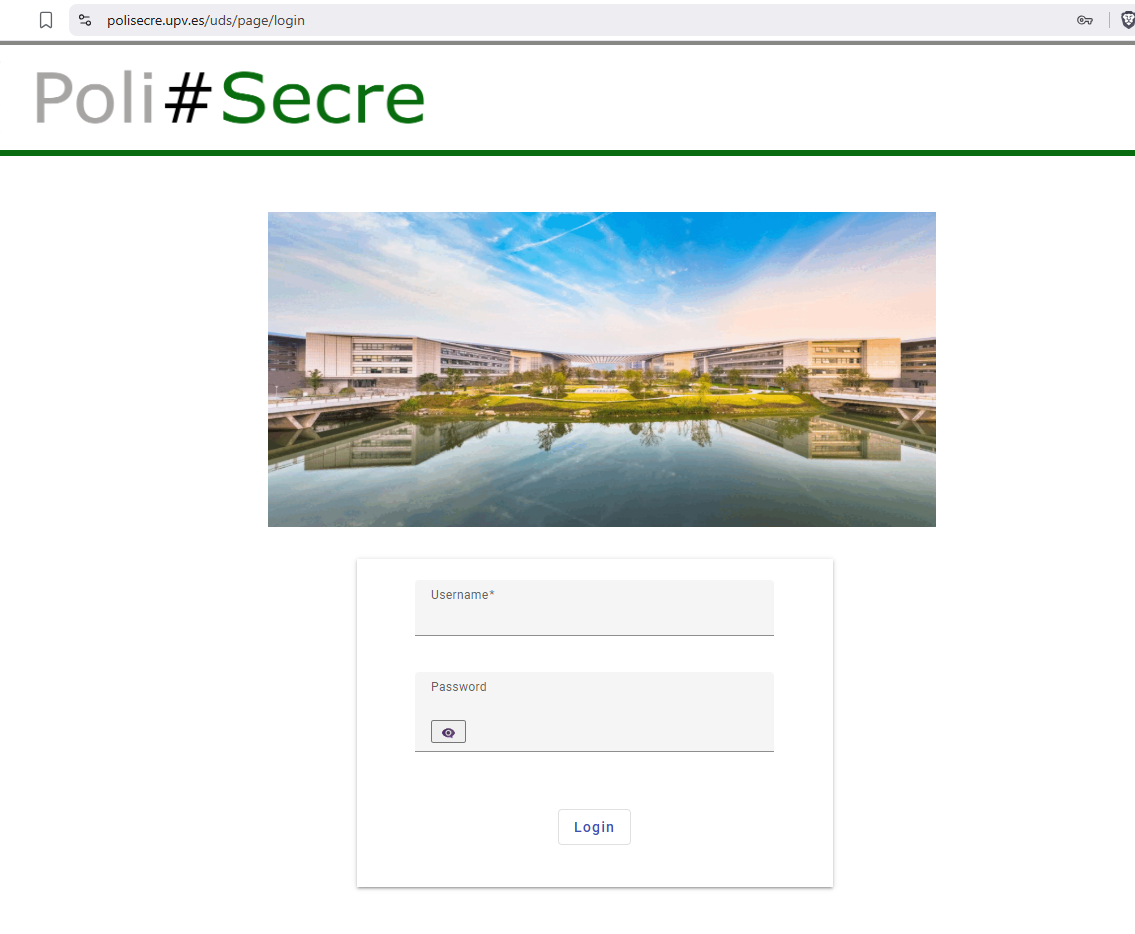
- To access, you need to provide the username and password:
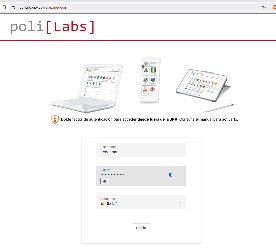
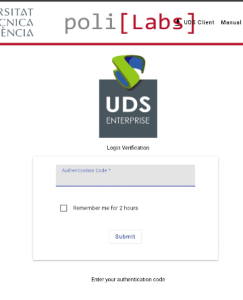
- But also the authentication cdode you will obtain from the authentication software you should have installed, following Configurar la autenticación Multi-Factor (MFA o 2FA) en VPN, Microsoft 365, teams......
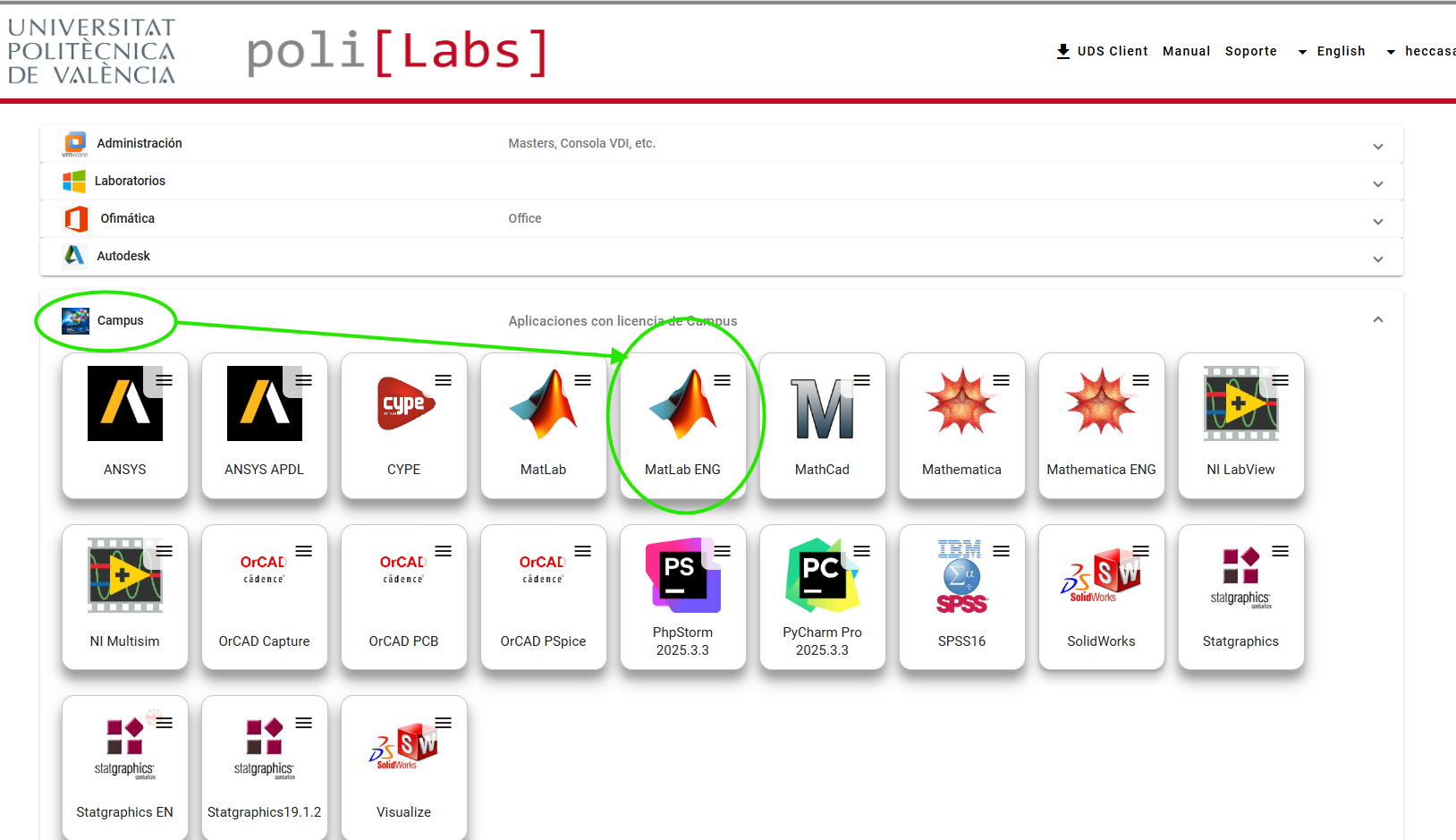
- Once inside the poli[Labs] portal you can open for instance Matlab, going into "Campus" and doing click in "Matlab ENG" (for English, the other one is in Spanish):
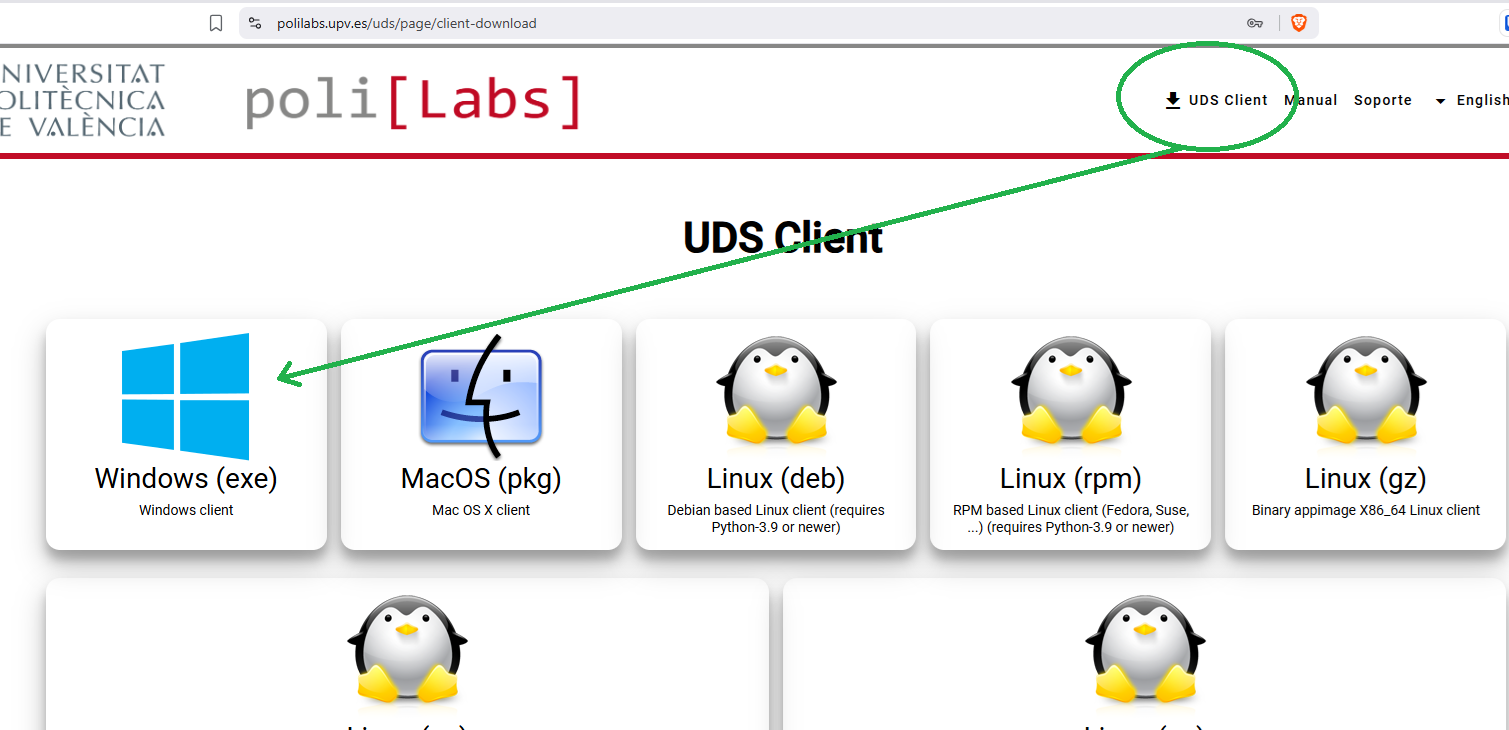
- To work smoothly, you can use the "UDS Client", a software you can install downloading before your first use from "UDS Client" at top right of the web. With the "UDS Client", the programs will open as a normal window of your computer, even the software is not installed and remotelly executed:
- If you prefer not to install anything, the program can be executed inside the browser, using the "HTML5-RDS" option:
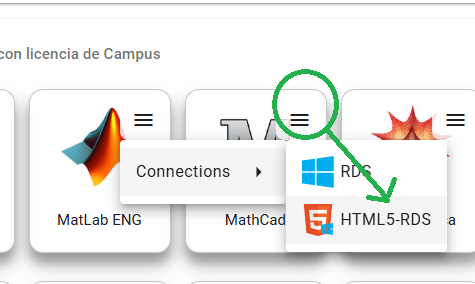
- Once you click in "Matlab ENG", the first time will ask you to confirm the
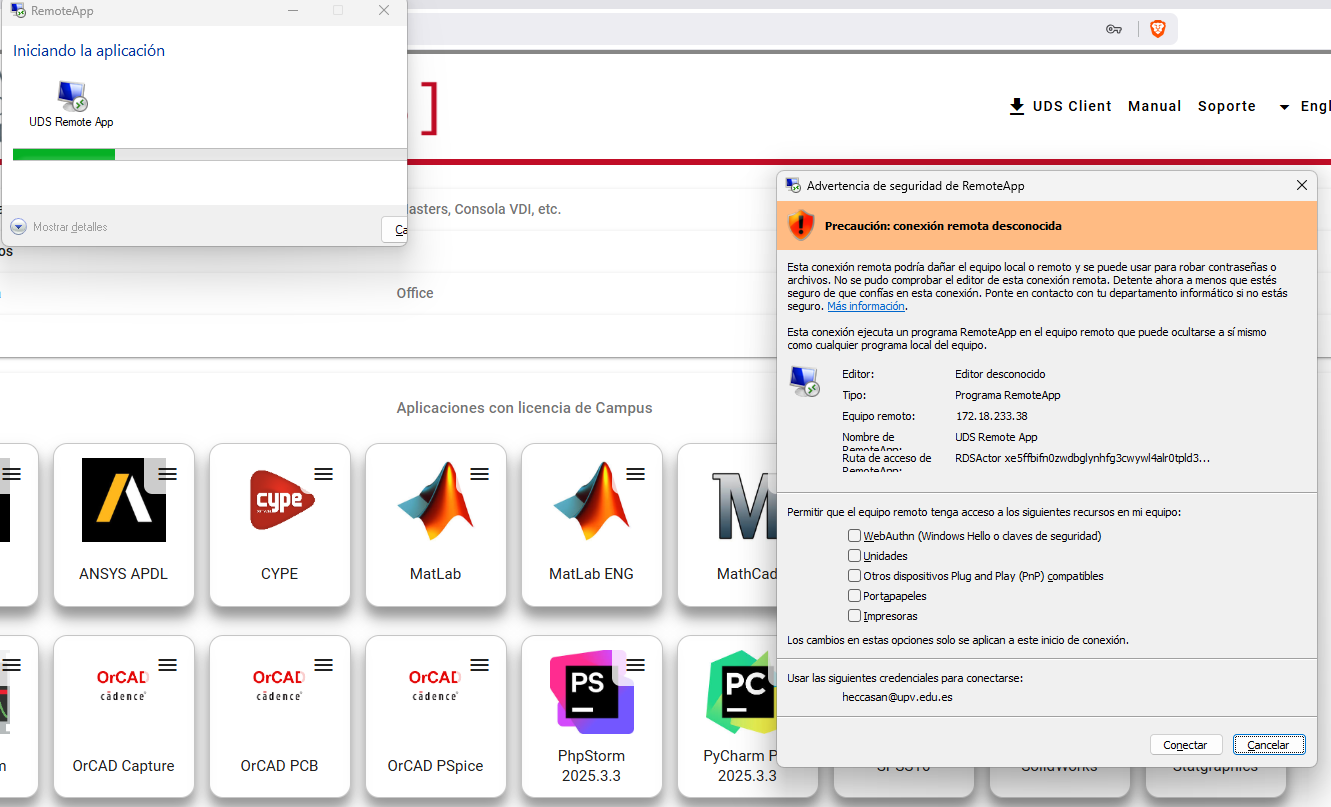

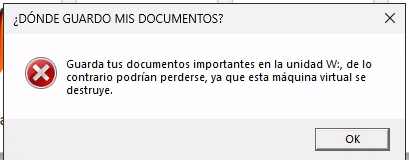
- Even you accept the options, a window in Spanish will inform you each new session that the documents and things you are creating in this remote execution of the program can be lost if you save them outside the W: unit. All the students have access to a permanent unit with a capacity of 5GB where you can store things without losing them:
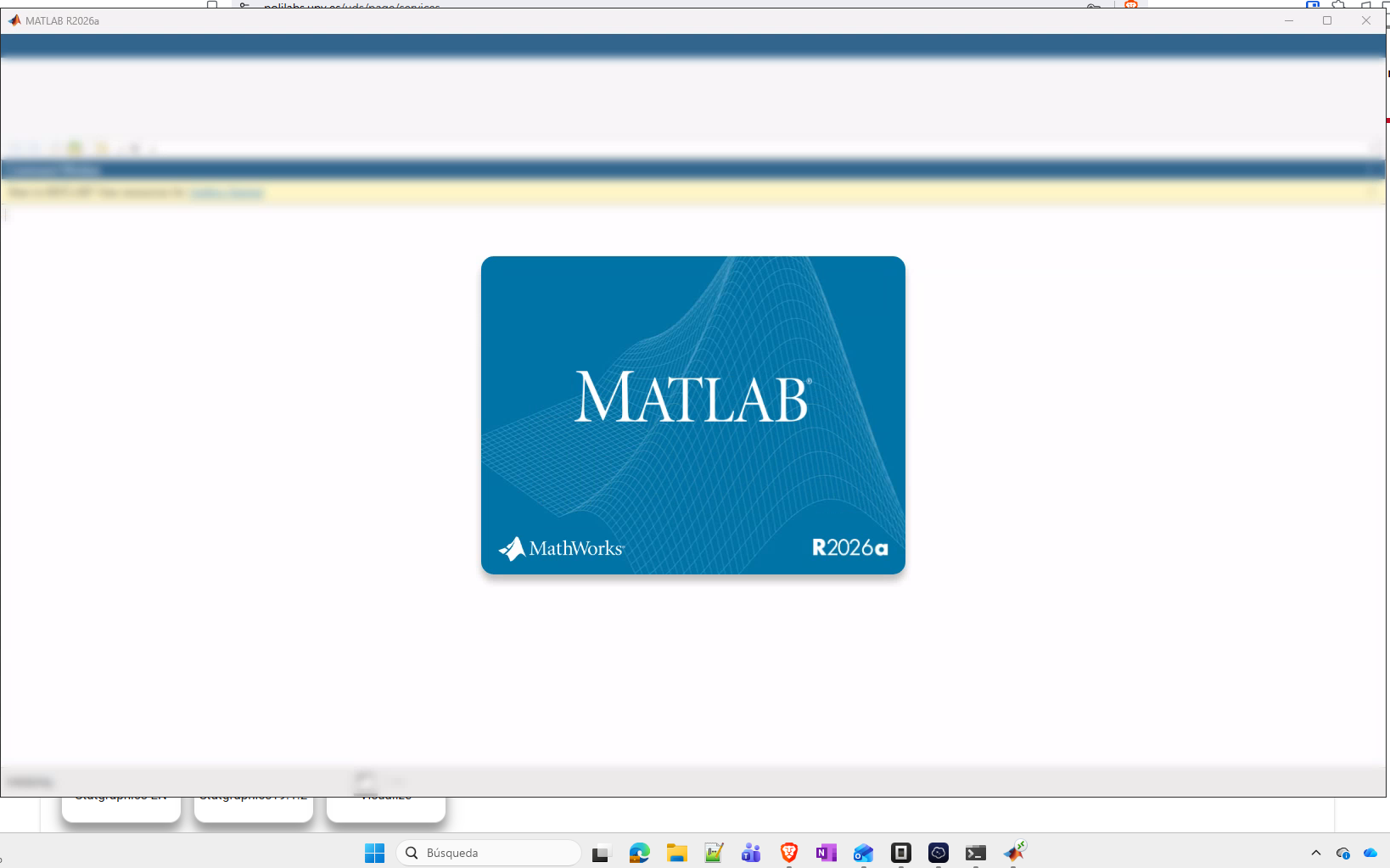
- Once you open the program, Matlab or other one you execute will appear on your computer, without installing it:
Poliformat
Poliformat is the LMS of the university: your teacher can leave there materials, exams or other materials. You should identify to it using the "Identificarse" or "Log in" if it appears in English. Using once more your credentials of the university:
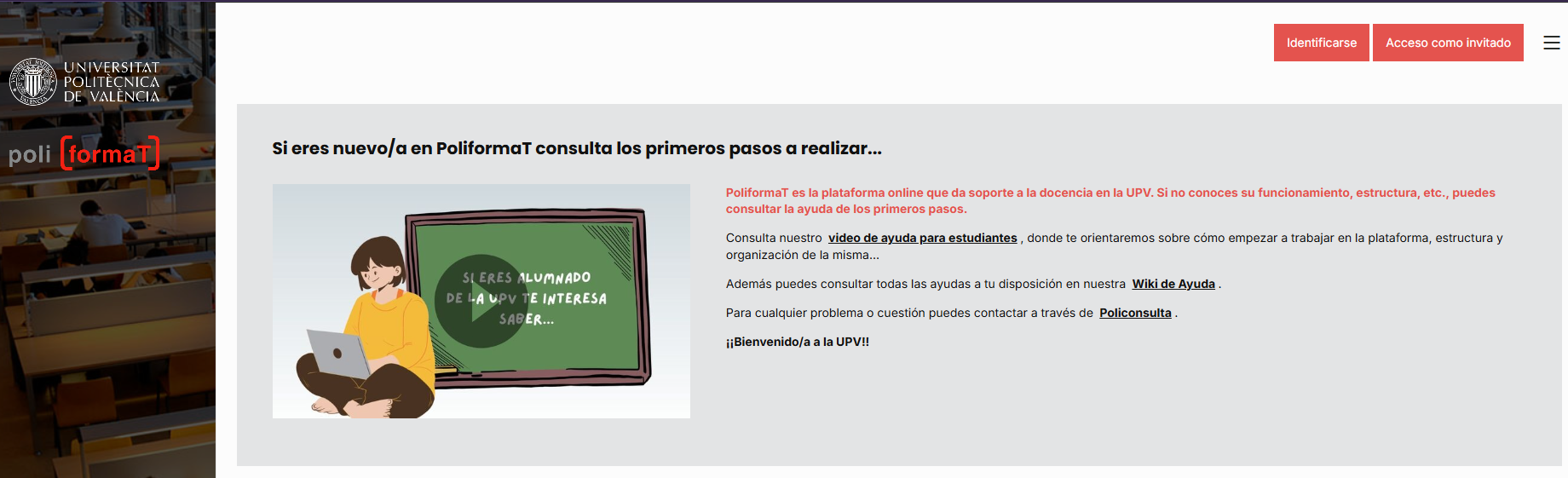
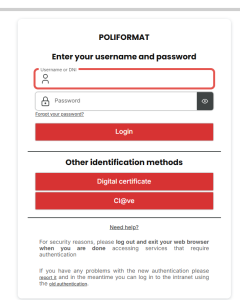
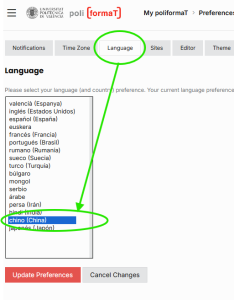
Once inside, you can change the language using the preferences tab at top right, clicking in the face: 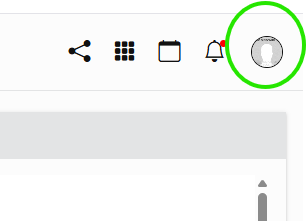
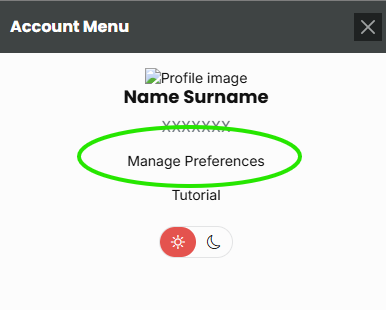
Chinese is available in the list: